Tone shaping controls
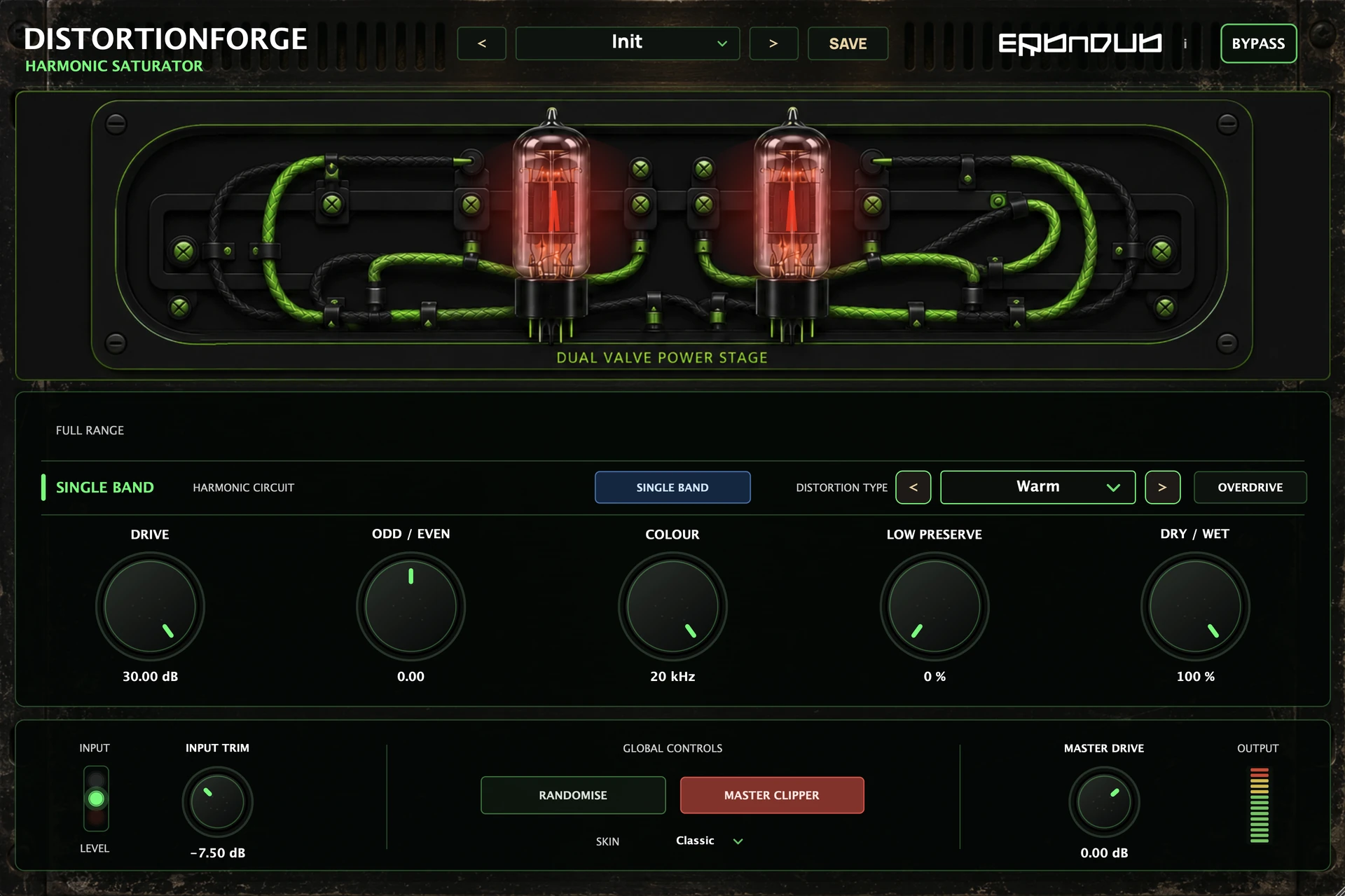
Use Colour to darken the processed sound or soften an overly sharp top end.
ERB N DUB / Saturation & distortion

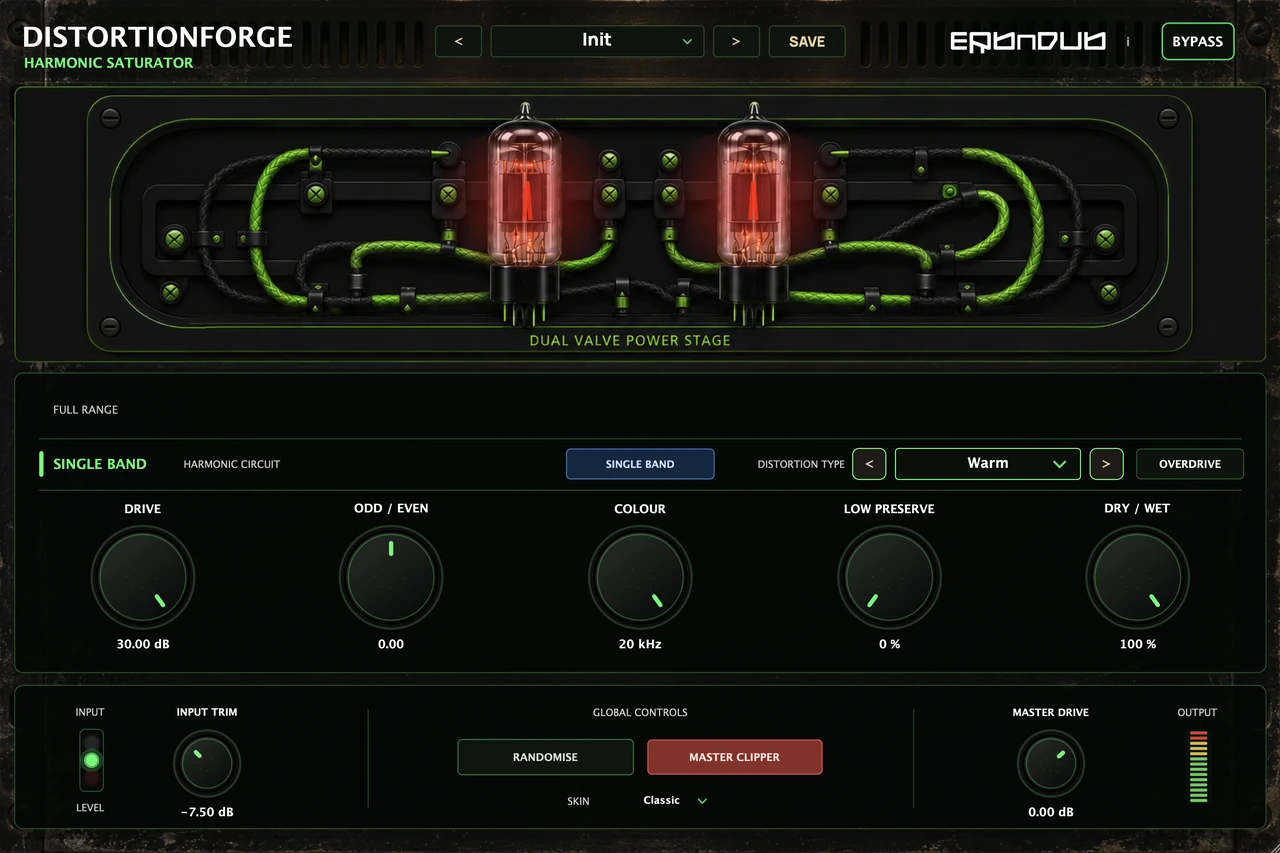
Give drums, bass, synths and vocals more character—from subtle warmth to aggressive distortion. Drive the whole sound, or shape four frequency bands independently.
Created by ERB N DUB, drawing on 20 years of producing, sound design and mixing.
Coming soon
TWELVE CHARACTERS
Start with rounded saturation, push into asymmetric bite, or explore folding and grainy digital textures. Choose the character, set the Drive and blend it into the track.
LOW / MID / HIGH / AIR
Set the crossovers and treat each band differently. Use less drive on the lows, build texture in the mids or add edge to the top. Each band has its own character, Drive, Colour, Low Preserve and Dry / Wet controls.
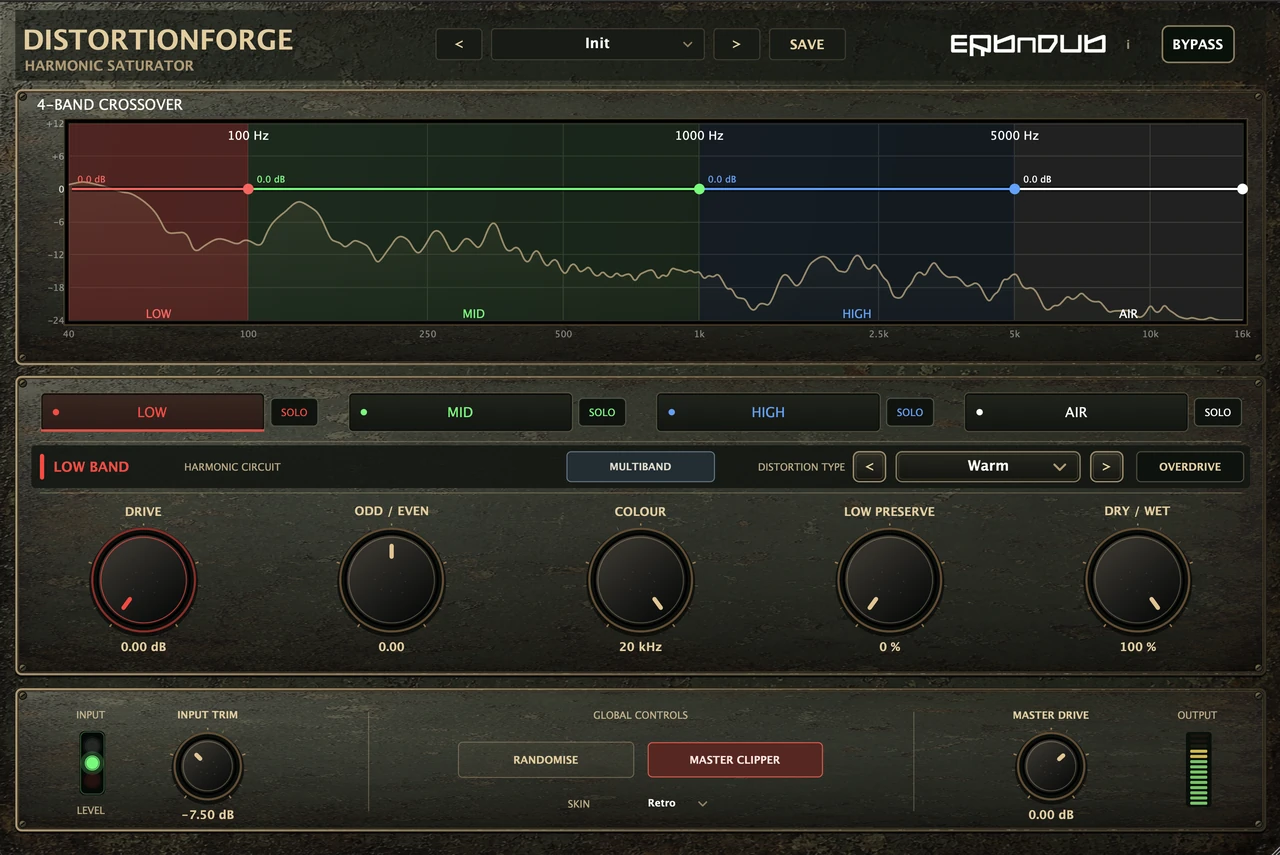
Solo one or more bands to hear the detail. Adjust band gains to balance the complete sound.
SHAPE / WEIGHT / BLEND
Use Colour to darken the processed sound or soften an overly sharp top end.
Low Preserve adds low-frequency body to the processed path. Adjust it while listening to the weight of the sound.
Mix the original with the distorted sound using Dry / Wet. Add subtle texture or make the processed character the whole sound.
GOOD TO KNOW
Yes. Use single-band mode to shape the complete group, or four-band mode when different frequency regions need different treatment.
No. It adds low-frequency body to the processed path. For less distortion on the lows, use multiband and reduce the low band’s Drive.
No. Both skins use the same controls and processing. Choose the appearance you prefer.
Yes. Save a user preset and recall it from the preset menu. Randomise offers another starting point, and Undo lets you return to the previous sound.
MANUAL / SUPPORT
The complete guide to characters, multiband processing, tone and blending.