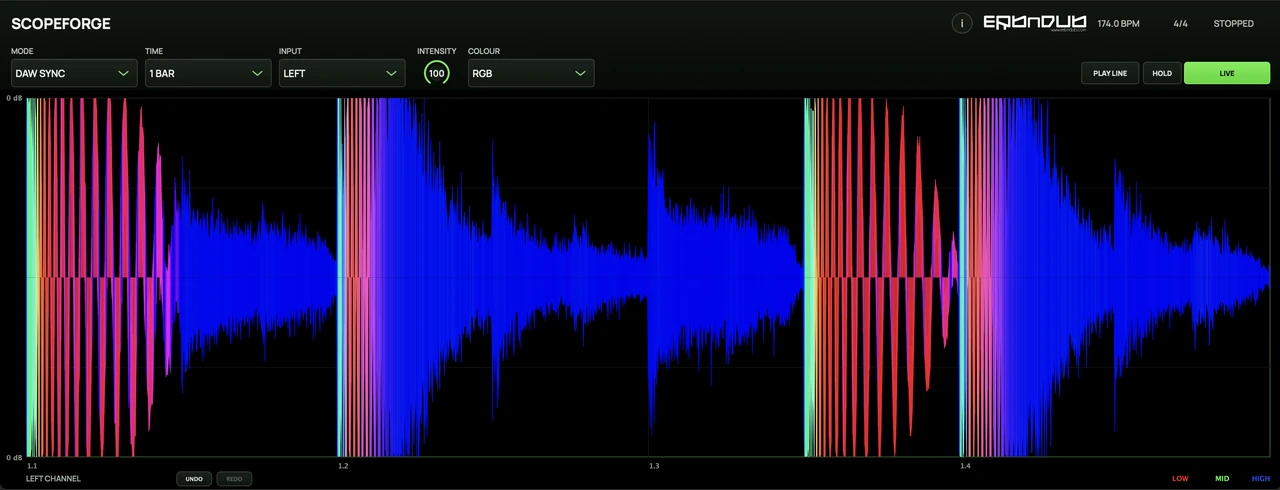
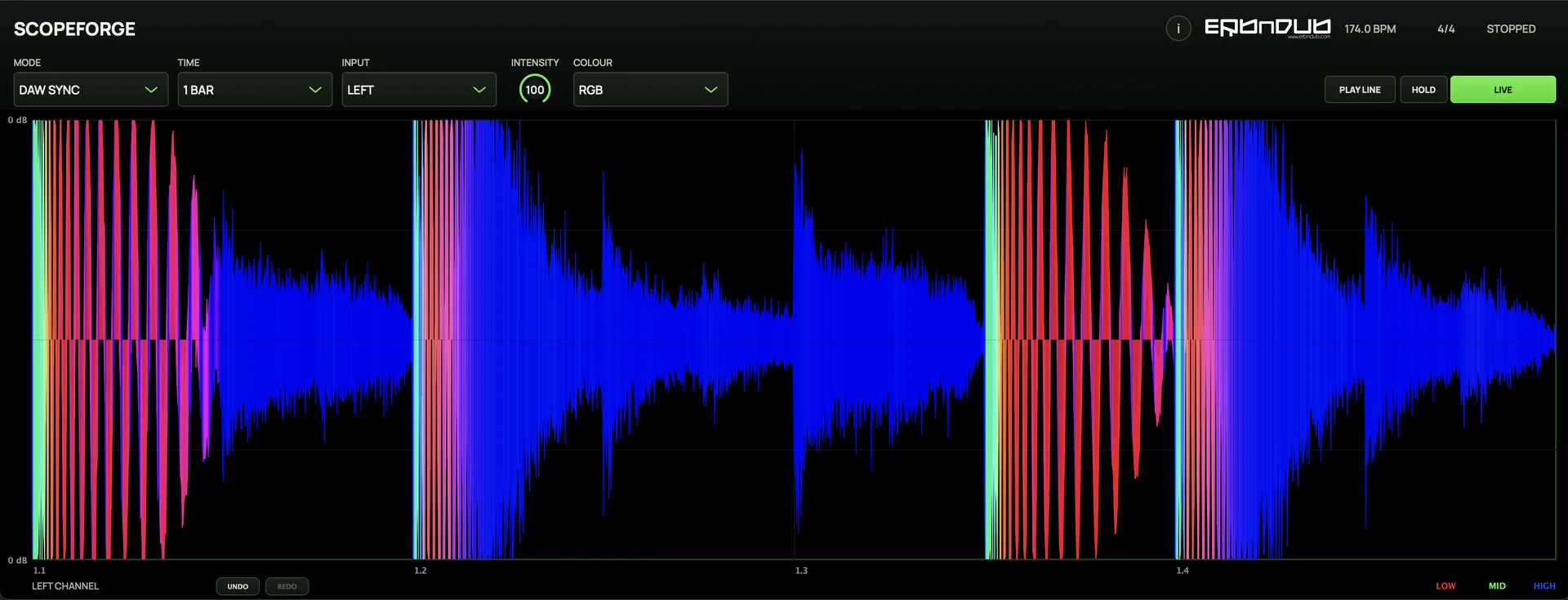
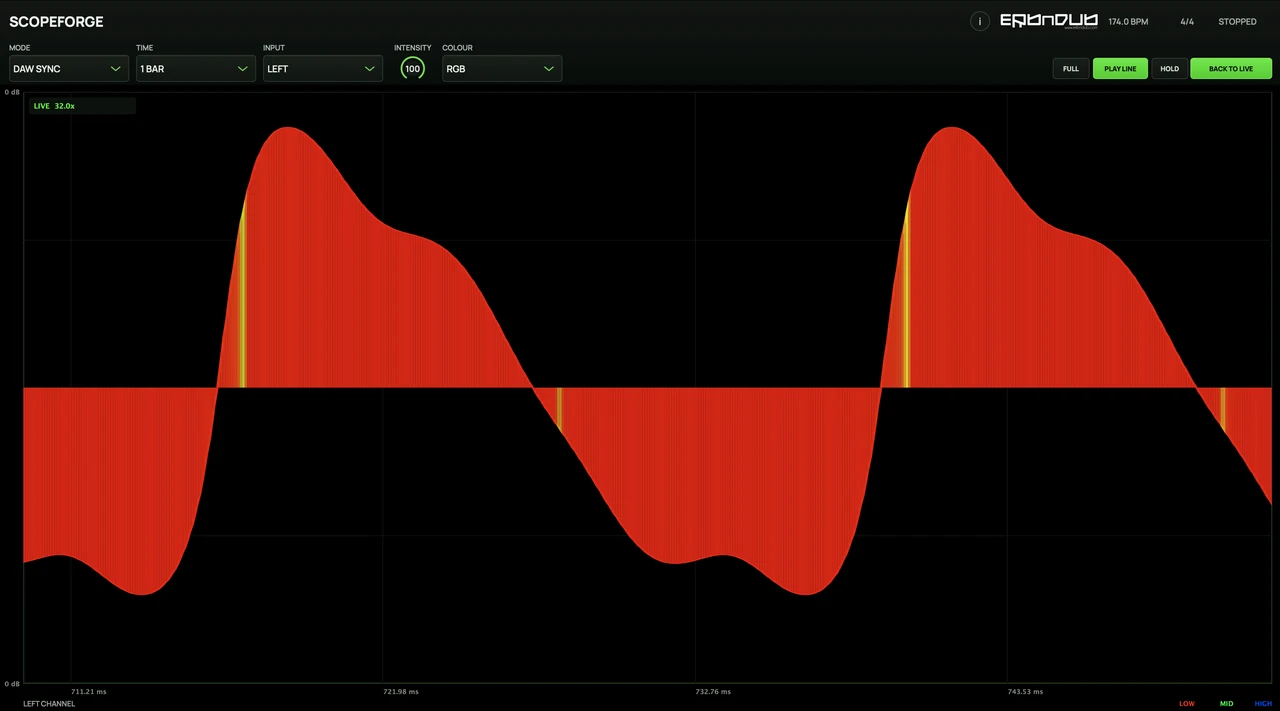
DAW-synced waveform display
DAW Sync aligns the view to your session. Choose a beat or bar window to inspect patterns and kick–bass timing.
ERB N DUB / Waveform analysis

A free waveform analyser for drums, bass and stereo detail. Follow the groove, freeze a moment and look closer at the shape of your sound.
Created by ERB N DUB, drawing on 20 years of producing, drumming and mixing.
Free
THREE WAYS TO LOOK
DAW Sync aligns the view to your session. Choose a beat or bar window to inspect patterns and kick–bass timing.
Trigger captures each new hit and keeps it in view. Look at the attack and decay of drums and one-shots.
Free mode rolls through a time window independently of the beat grid. Follow sustained bass and changing textures.
HOLD / SELECT / ZOOM
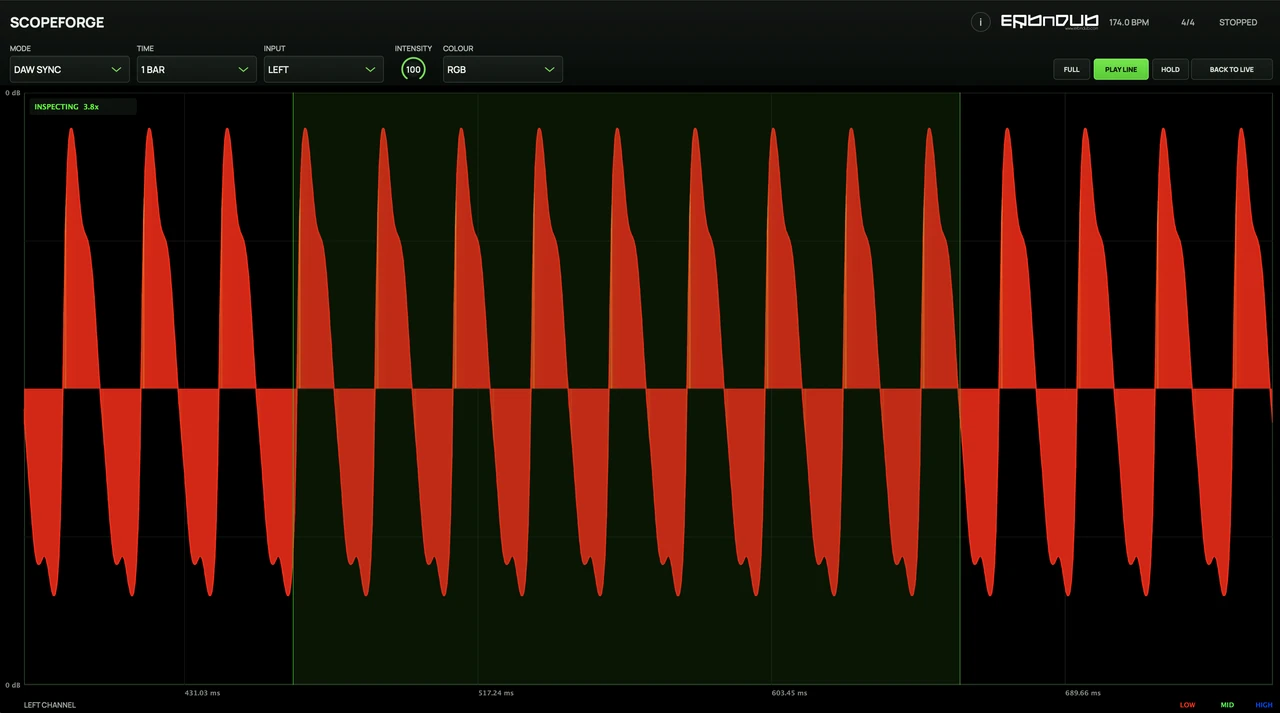
Drag across the waveform to hold a region, then zoom and pan to inspect it. The audio keeps playing. Return to Live when you’re ready to follow the next passage.
YOUR VIEW / YOUR SESSION
Compare Left and Right, or inspect the shared Mid and differing Side content. Use the picture alongside your ears to explore timing, polarity and channel balance.
Choose a colour palette and waveform intensity. Resize the window, or double-click the plot for a clean scope-only view.
GOOD TO KNOW
No. It passes audio through unchanged. Colour, intensity, Hold and zoom affect the display only.
After an instrument, on a drum or bass track, on a group, or at the end of a processing chain—wherever you want to inspect the signal.
No. The display helps you investigate shape and timing; listening and metering remain part of the decision.
DAW Sync follows host musical position. Host timing and delays from upstream plugins can affect the visual alignment.
MANUAL / SUPPORT
The guide to capture modes, channels and waveform inspection.