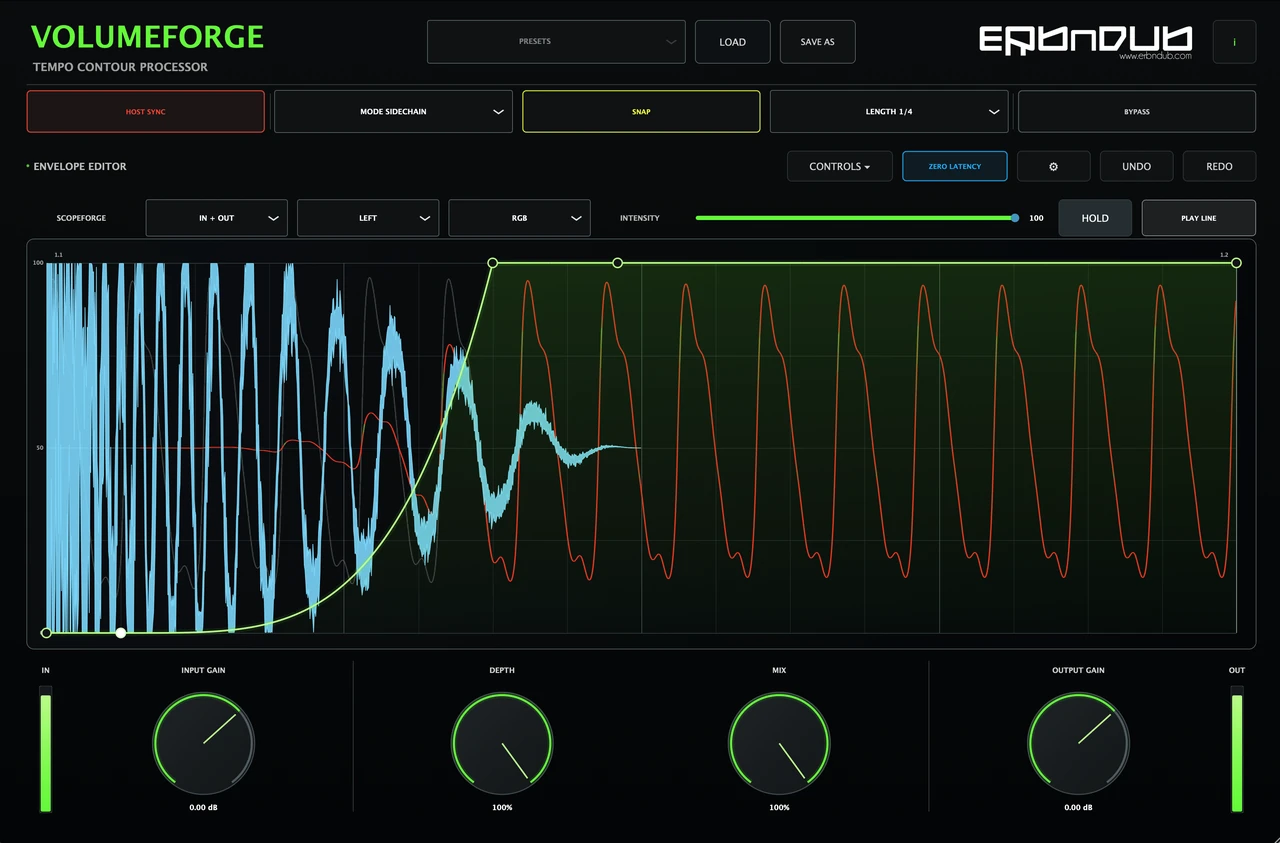
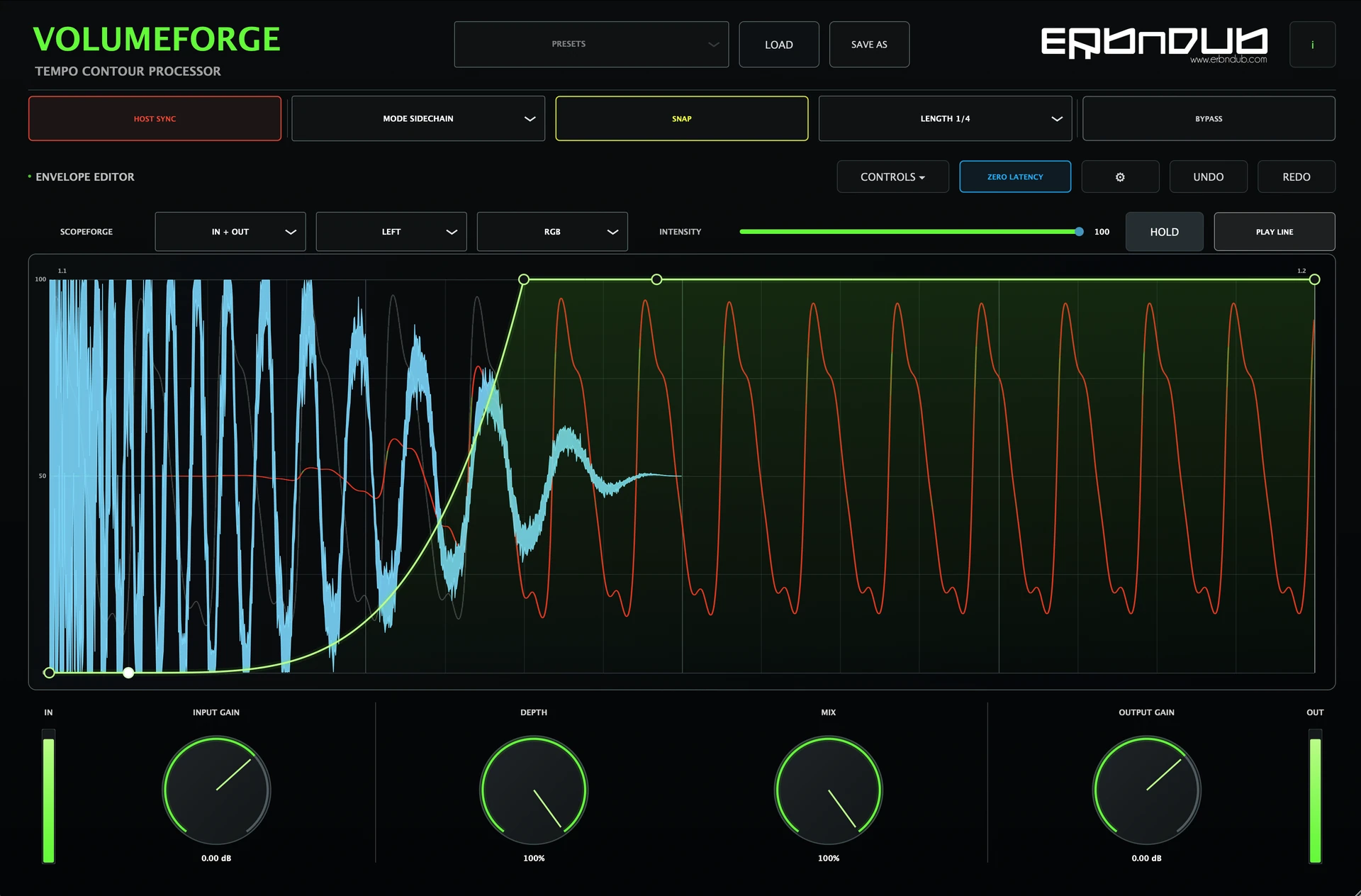
Curve shape & timing
Snap points to the grid, offset the shape against the beat and smooth sharp transitions.
ERB N DUB / Rhythmic volume shaping

Turn a steady sound into a moving part. Draw your own volume curve for pumping bass, rhythmic gates and subtle changes in feel.
Follow the tempo or trigger each shape with audio, an external sidechain or MIDI. Created by ERB N DUB, drawing on 20 years of producing and working with rhythm.
FREE
YOUR CURVE / YOUR FEEL
Draw a dip to let the kick through, chop a sustained sound into a rhythm, or ease the level back in with a long curve. Move the points, bend the segments and hear the shape in your track.
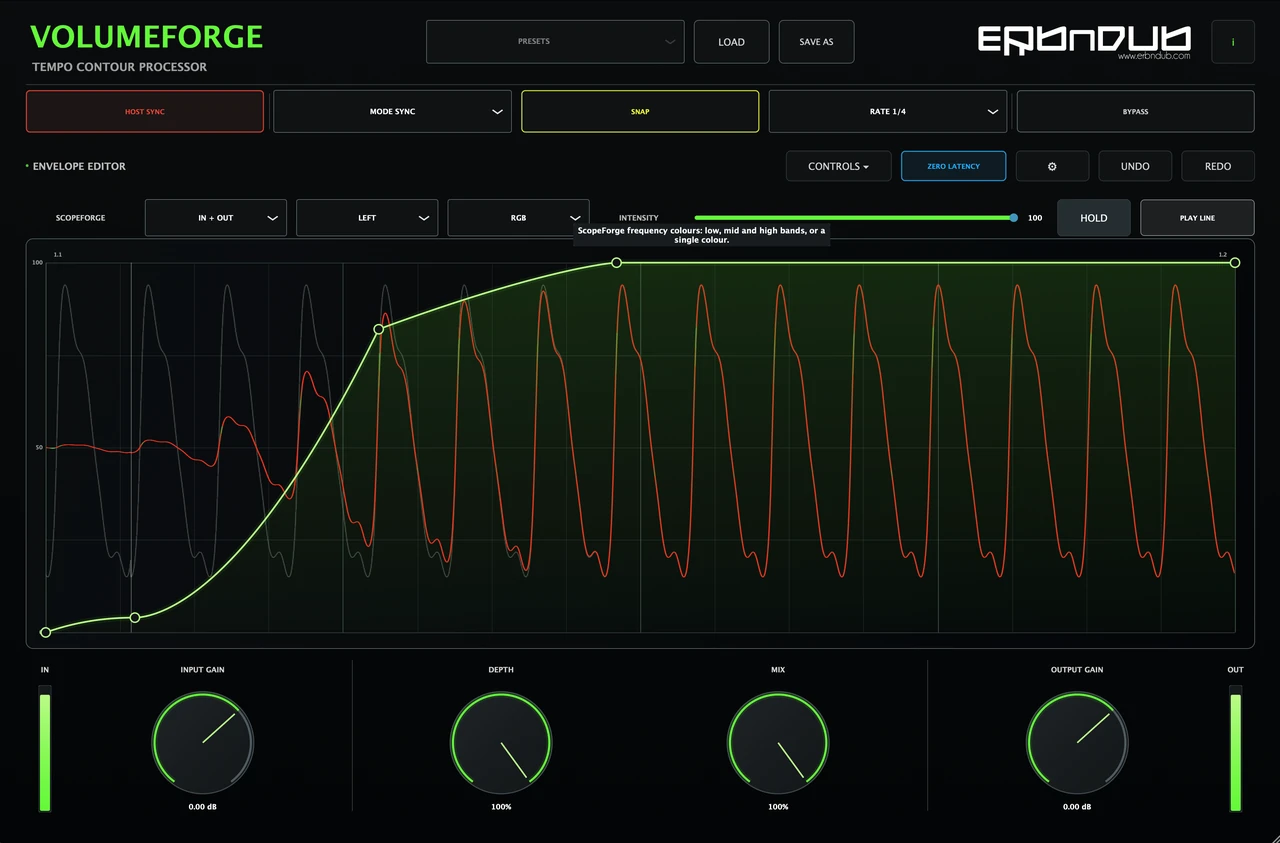
Snap points to the grid, offset the shape against the beat and smooth sharp transitions.
Depth controls the shaping strength. Mix blends the shaped sound with the original.
Compare input and output waveforms behind the envelope. Hold the display for a closer look while the audio keeps playing.
FOUR WAYS TO START THE SHAPE
Run the curve at the DAW’s musical position, with beat, bar, triplet and dotted lengths.
Transients in the main input start a one-shot envelope.
Use an external kick or another routed signal to trigger the shape. The trigger stays out of the output.
Start the envelope with a MIDI note. Each new note restarts the shape.
GOOD TO KNOW
No. Sync mode repeats the envelope with the tempo, and Audio mode detects transients on the main input. External Sidechain and MIDI are additional ways to trigger it.
Yes. VolumeForge shapes incoming mono or stereo audio. Use it after an instrument, on an audio track or on a group to create movement in pads, percussion, loops and more.
Zero Latency is on by default. Turning it off enables 5 ms lookahead, which is reported to the DAW. Change that setting with playback stopped.
Yes. Save As stores your settings and envelope in a .vforge file. Your DAW project also recalls the shape and sound settings.
MANUAL / SUPPORT
The complete guide to drawing curves, routing triggers, timing and waveform views.