Skip to content

ERB N DUB / One-dial effects

Prime Harmonics

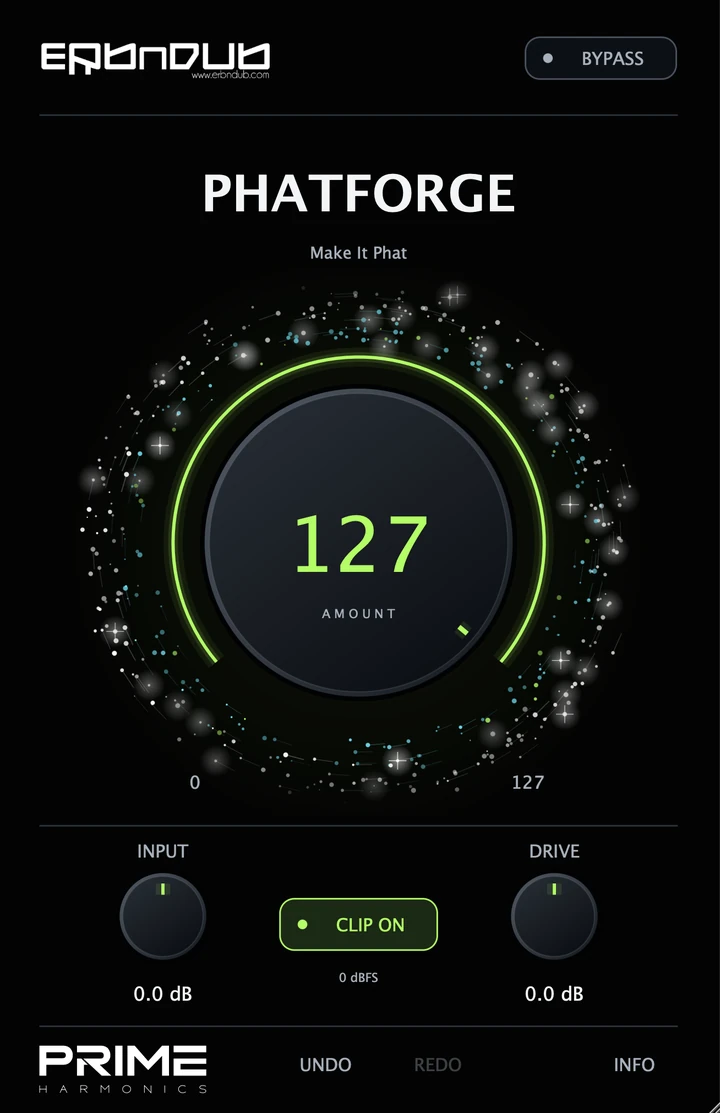
PhatForge
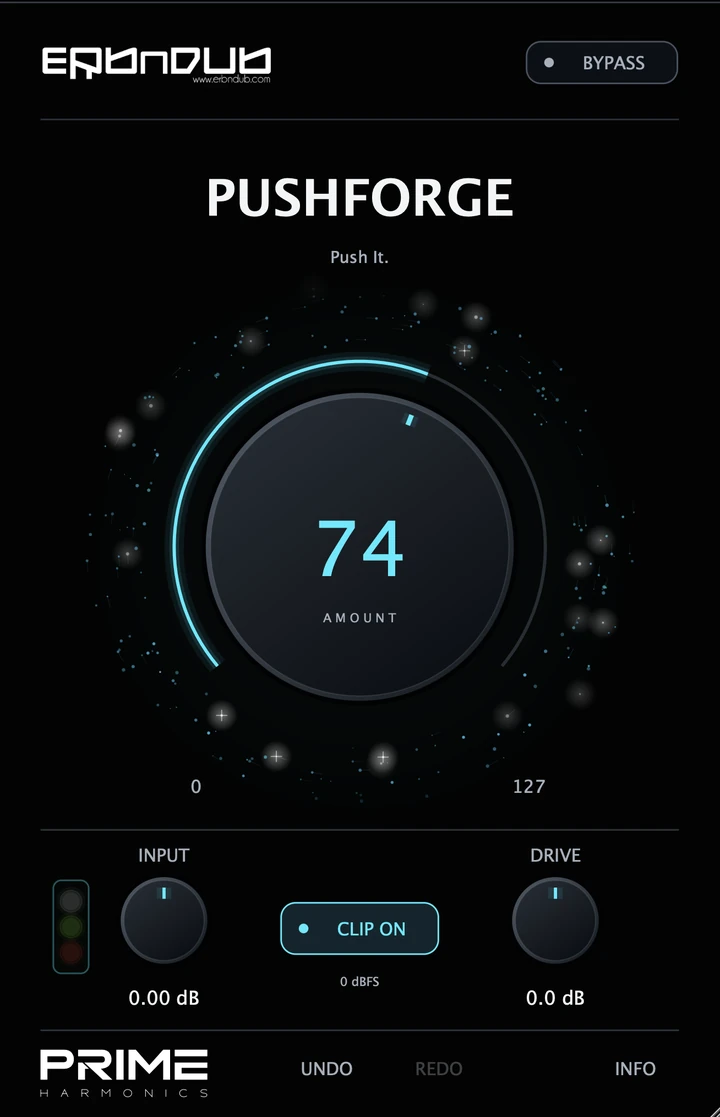
PushForge
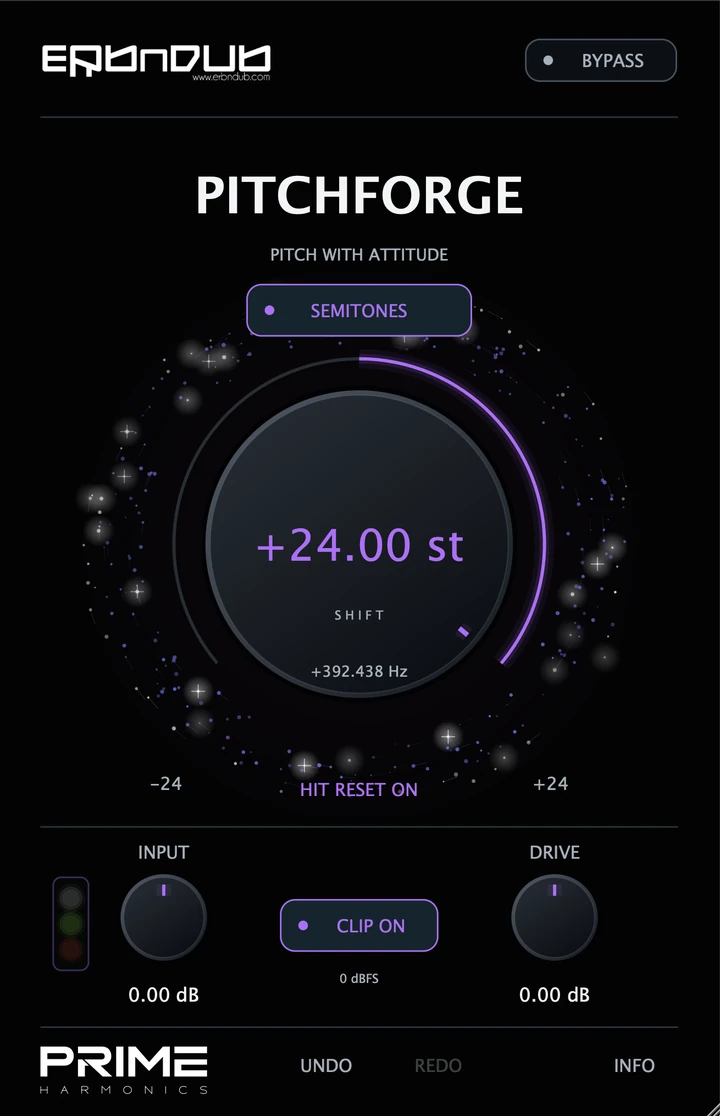
PitchForge

Saturation, dynamics & frequency shifting

Weight. Dynamics. Metallic movement. PhatForge, PushForge and PitchForge give you three distinct ways to shape a sound, each built around one main dial.

Created by ERB N DUB, drawing on 20 years of producing, mixing and shaping drums and bass.

  • One main control
  • Input & final level
  • Switchable clipping
  • Undo & Redo

Coming soon

Explore the series

SAME APPROACH / DIFFERENT CHARACTER

Three focused one-dial effects

WEIGHT / DENSITY / CHARACTER

PhatForge

One Amount dial coordinates saturation, multiband dynamics and phase/ambience processing. Shape drums, bass, synths or a group without building the chain yourself.

  • Combined processing, tuned to work together
  • Amount from 0–127
  • Input and final Drive / Output controls

Coming soon

DRIVE / MULTIBAND DYNAMICS

PushForge

Drive two fixed multiband compressors with the central Amount dial. Set the input, raise Amount and hear how the chain responds to your drums, bass or bus.

  • Two dynamics stages, one main dial
  • Amount from 0–127
  • Input level guide and final Drive / Output

Coming soon

METALLIC TEXTURE / FREQUENCY SHIFTING

PitchForge

Give snares, percussion and bass a metallic edge. One SHIFT dial moves every frequency by the same Hz offset, taking the sound into new, inharmonic territory.

  • Semitone steps or free Hz adjustment
  • Hit Reset restarts modulation phase on detected attacks
  • Input, final Drive / Output and switchable Clip

Coming soon

CHOOSE THE SOUND

Compare the three effects

PhatForge, PushForge and PitchForge comparison
Your controlPhatForgePushForgePitchForge
Main dialAmount: 0–127Amount: 0–127SHIFT: −24 to +24 semitone steps, or −5000 to +5000 Hz
What it changesCombined saturation, dynamics and phase/ambienceGain into two fixed multiband compressorsA fixed Hz offset for metallic, inharmonic textures
Level controlsInput & Drive / OutputInput & Drive / OutputInput & Drive / Output
Final clippingSwitchable sample-peak clipperSwitchable sample-peak clipperSwitchable sample-peak clipper
A different attackCoordinated weight and characterTwo stages of multiband dynamicsHit Reset for a consistent modulation starting phase

LEVEL / CHARACTER / CONTEXT

Input, Amount & output controls

01

Input level

Control how strongly the sound enters the processing. PushForge’s input lights help you check the level before the Amount stage.

02

Amount & frequency-shift controls

Turn Amount in PhatForge or PushForge, or move SHIFT for a new texture. Listen to the body, attack and movement in the track.

03

Output level & bypass comparison

Set the final level, choose Clip on or off, and compare with Bypass at a similar perceived loudness.

GOOD TO KNOW

Product questions

Are PhatForge and PushForge the same effect?

No. PhatForge combines saturation, multiband dynamics and phase/ambience processing. PushForge feeds two fixed multiband compressors. They share a focused interface, with different processing underneath.

Is the main dial a Dry / Wet control?

No. PhatForge’s Amount controls the combined processing. PushForge’s Amount changes gain into its fixed compressor chain.

Does zero turn the processing off?

No. Both plugins still process at their main dial’s zero setting. Use Bypass to compare with the original signal.

Does PitchForge transpose a sound like a musical pitch shifter?

No. Every component moves by the same Hz offset. The semitone scale provides stepped settings; it does not transpose the harmonic series proportionally. Use PitchForge for metallic character and sound design.

What does PitchForge’s Hit Reset do?

Detected attacks restart modulation phase for both channels together while keeping your chosen SHIFT amount. Turn it off for continuous phase movement on sustained sounds.

Is Clip a true-peak limiter?

No. It is a final hard sample-peak clipper at 0 dBFS. Check true peaks separately when preparing a finished master.

MANUALS / SUPPORT

Manual & support

ERB N DUB
Privacy Overview

Necessary cookies keep the basket, account sign-in and security working and remember your cookie choices.

Analytics and Marketing are optional and start disabled. You can enable either, both or neither. Rejecting optional tracking does not stop you using the shop. Mailing-list subscriptions are a separate choice.

Use Save choices to keep your selection, or change it later through Cookie settings in the footer.